- Description
- Curriculum
- Reviews
In today’s digital-first business environment, strong visual communication is no longer optional; it is essential. Whether you are preparing a presentation, marketing your services, sharing insights on LinkedIn, or designing internal communication materials, your visuals directly influence how your brand and expertise are perceived.
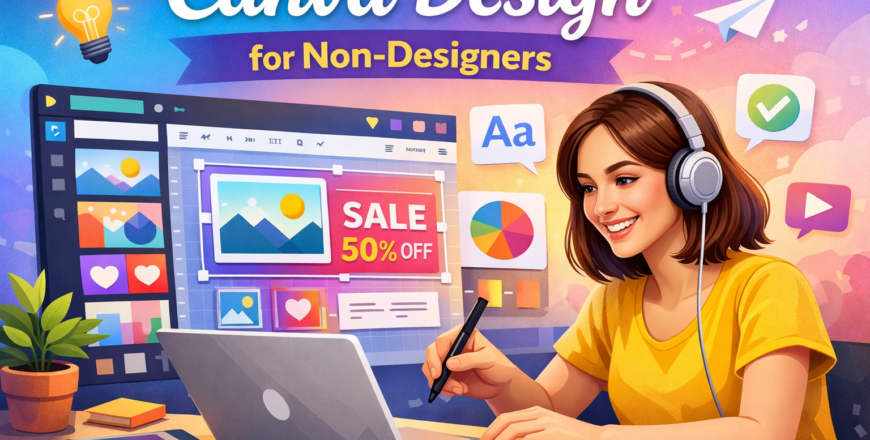
Canva Design for Non-Designers is a practical, hands-on course designed specifically for corporate professionals, entrepreneurs, managers, and business leaders who want to create professional-quality designs without formal graphic design training.
This course simplifies design principles and teaches you how to confidently use Canva to create presentations, marketing materials, branded documents, and social media content that look polished and professional. Beyond design skills, the course also shows you how to leverage these skills for income acceleration — whether within your organization or as a side income opportunity.
By the end of this course, you will be able to produce high-impact visual content that strengthens your professional image, enhances communication, and increases your earning potential.
Learning Outcomes
By completing this course, learners will be able to:
1. Understand Core Design Principles
-
Apply basic design concepts such as alignment, contrast, hierarchy, and balance
-
Select appropriate fonts and color combinations for corporate use
-
Avoid common non-designer mistakes
2. Create Professional Corporate Materials
-
Design executive-level presentations
-
Develop branded company profiles and proposals
-
Create internal communication materials and reports
3. Design Marketing & Personal Brand Content
-
Create professional LinkedIn graphics
-
Design promotional flyers and business visuals
-
Develop consistent brand visuals using Canva tools
4. Maintain Brand Consistency
-
Use brand kits effectively
-
Apply logos, fonts, and brand colors consistently
-
Create reusable templates for teams
5. Use Advanced Canva Features
-
Edit images and backgrounds
-
Resize designs for multiple platforms
-
Use AI-powered tools and smart features
6. Increase Income Potential
-
Offer design services within your network
-
Support your business with in-house design capabilities
-
Build a side income using Canva skills
-
Improve your professional value within your organization



Who Can Take This Course?
This course is ideal for:
Corporate Professionals
-
Managers and team leaders
-
Marketing and sales executives
-
HR professionals
-
Administrators and operations managers
Entrepreneurs & Business Owners
-
SMEs and startup founders
-
Consultants and coaches
-
Service providers
Professionals Building Personal Brands
-
LinkedIn content creators
-
Industry thought leaders
-
Trainers and speakers
Individuals Seeking Income Acceleration
-
Professionals looking to monetize design skills
-
Employees wanting to increase workplace value
-
Anyone without a design background who wants to create polished visuals
No Prior Design Experience Required
This course is structured for beginners and non-designers. If you can use a computer and browse the internet, you can learn to design confidently.